When you click on links to various merchants on this site and make a purchase, this can result in this site earning a commission. Affiliate programs and affiliations include, but are not limited to, the eBay Partner Network. As an Amazon Associate I earn from qualifying purchases. #ad #promotions




Deepseek R1 671b Home Server at $500 Price
24GB VRAM Ai Server Build at Mid-Range $750 Price
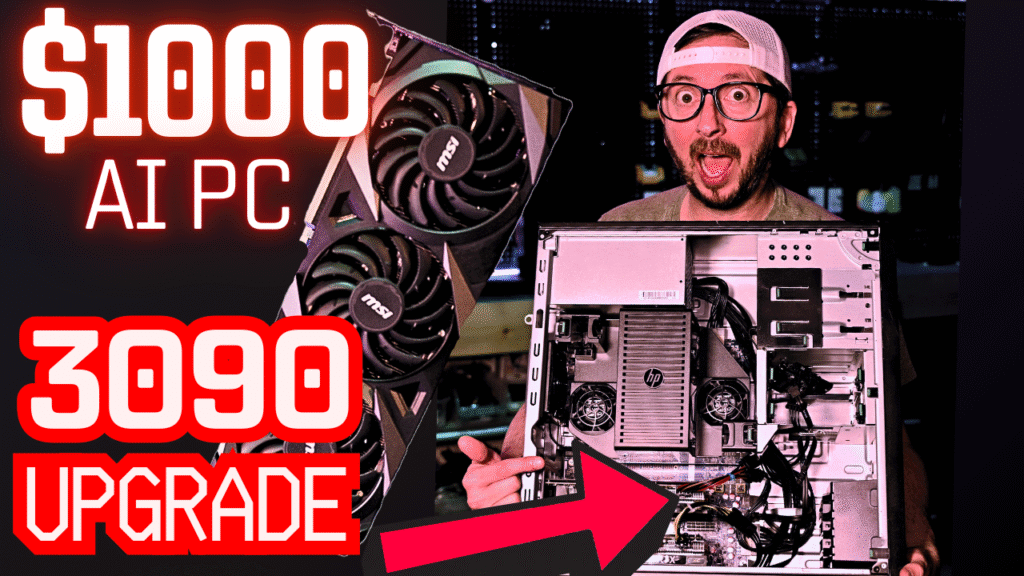
$1000 Local Ai Server Base Config
This server is configured for these test as follows for the 3090 HP z440 Local Ai PC:
I am still surprised at the amount of configuration that can happen on the z440 overall. It does have a few notable lacking points that include its lack of an onboard NVMe slot, however with bifurcation support and ample pcie lanes and slots, getting carrier card seems like a decent idea. Also keep in mind that would be gen 3 performance.
Local LLM Performance Benchmark Results
Benchmark Analysis
The interesting thing in my opinion is not in the smaller models, as they scale and hold at nearly double the response tokens per second. It is the larger models that outpace this dramatically that is interesting. Both Gemma 3 27b and QwQ 32b are well regarded models in the upper 20 and lower 30 range for params. If running one of these fast was a goal, then a 3090 would make decent sense. If however you are happy with tens range models you may not get the same value proposition.
The performance however shifts quite a bit when we check the prompt tokens with QwQ being interestingly close on the dual 3060s. I need to check that out more on the quad 3090 rig with QwQ to see if that is a benefit of running multiple cards or if this was just a random outlier.
Also it is interesting to see Gemma 3 getting pretty destroyed on the prompt tokens also on the dual 3060s vs the single GPU. If you wanted to run video generation or image generation, NVIDIA is the way to go still. The larger the VRAM also the better the performance you will get. When you are looking at a 60 to 1 ratio on amazing hardware to generate a single second, more cores and processing on a single GPU does matter.
I do like my HP z440 and am giving it new life in my setup, but I am not sure yet if I will fully trick it out and attempt a deepseek R1 and offload with k transformers or not. I do like the idea of putting a 6x 2.5″ ssd 5.25″ caddy enclosure in this since it has 6 sata ports so I might end up doing that. Overall I would rate it as cheap and effective. Are there better options in the price point? Tell me in the comments on the video if you have any ideas on that!
Full Video Review