Homelab Ai Server Rig Tips, Tricks, Gotchas and Takeaways

When you click on links to various merchants on this site and make a purchase, this can result in this site earning a commission. Affiliate programs and affiliations include, but are not limited to, the eBay Partner Network. As an Amazon Associate I earn from qualifying purchases. #ad #promotions
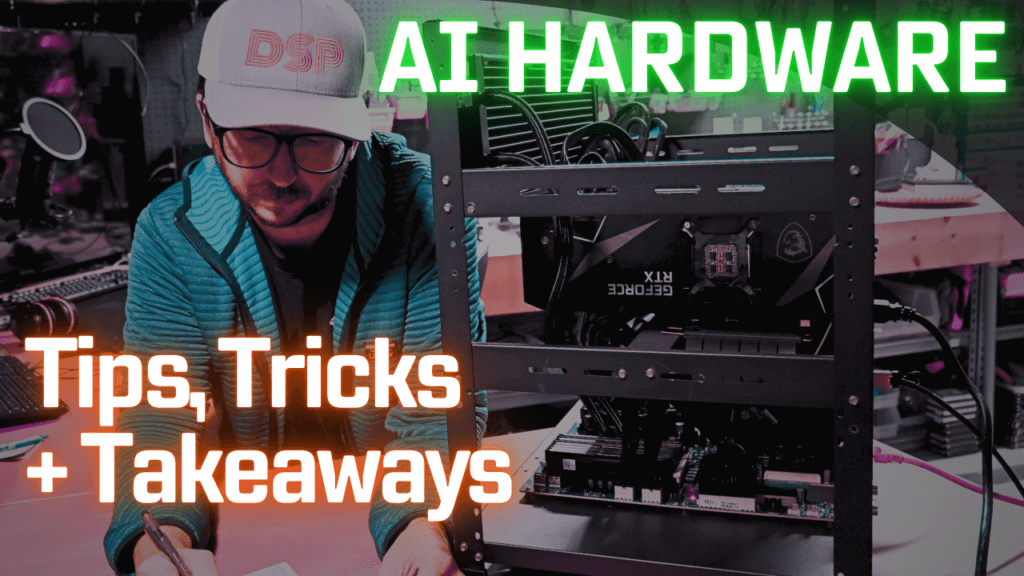
It has been around three months since I built a dedicated Ai server and I have learned a lot in this time. This rig houses a quad 3090 GPU setup on an AMD Epyc Rome motherboard and CPU. We have conducted while isolating to 1 variable several tests over a variety of base motherboard and CPU, ram speed, gpu, pcie width and generation, and models fitting to certain workloads and use cases. Here are the current findings based off my stacks of notes broken down into hardware categories. I hope these tips and tricks and lessons learned can be of assistance to you. Classes of Ai Rigs (I consider a rig a dedicated, likely always on, ai focused or supporting system)    

$150 Super Budget AI Rig

OEM Tower, 2x M2000s, 8GB VRAM, 256GB NVMe, 16GB RAM. Idle ~25w

Run a 7b, multiple 1/3/7

Dell Optiplex 7050 (4.5 t/s) https://geni.us/OptiPlex7050MT
Quadro M2000 4GB (11 t/s) https://geni.us/Quadro_M2000

**************

$350 Budget AI Rig 

OEM WS or tower, 3060 12 GB VRAM, 1 NVMe + 1 SSD, 32GB RAM. Idle ~30w

Run an 11b Vision, multiple 1/3/7/8

Dell Precision 3620 Tower https://geni.us/Precision_3620 
3060 12GB GPU https://geni.us/3060_GPU_12GB 
GPU 6 to 8 pin Power Adapter https://geni.us/GPUPowerAdapt6pin-8pin

**************

Mid AI Rig 

TBD

**************

High End AI Rig 

TBD

***************

$5000 Insane AI Rig

Quad 3090 96, EPYC or TRpro, RACK, 4x 3090 24GB GPUs, U.2 storage, Mirror boot nvme, 256GB RAM, Idle ~ 90w

Runs 123 at q4, multiple 1/3/7/8/22/32/72/90s. Training +

GPU Rack Frame https://geni.us/GPU_Rack_Frame
Gigabyte MZ32-AR0 Motherboard https://geni.us/mz32-ar0_motherboard
RTX 3090 24GB GPU (x4) https://geni.us/GPU3090
Kritical Thermal GPU Pads https://geni.us/Kritical-Thermal-Pads
256GB (8x32GB) DDR4 2400 RAM https://geni.us/256GB_DDR4_RAM
PCIe4 Risers (x4) https://geni.us/PCIe4_Riser_Cable
AMD EPYC 7702p https://geni.us/EPYC_7702p
iCUE H170i ELITE CAPELLIX https://geni.us/iCUE_H170i_Capellix (sTRX4 fits SP3 and retention kit comes with the CAPELLIX)
ARCTIC MX4 Thermal Paste https://geni.us/Arctic_ThermalPaste
CORSAIR HX1500i PSU https://geni.us/Corsair_HX1500iPSU
4i SFF-8654 to 4i SFF-8654 (x4) https://geni.us/SFF8654_to_SFF8654
HDD Rack Screws for Fans https://geni.us/HDD_RackScrews

**************

Really Insane AI Rig 

TBD

GPUs

  • VRAM is everything! Get as much as possible into your system.
  • GPUs directly impact tokens/s and ability to run large models.
  • GPUs running Ollama use llama.cpp under the hood. 
  • CUDA 11 will not be supported by drivers and possibly SW developers for a lot longer. Pascal + to stay CUDA 12 compatible.
  • I still like the perf/$ for the 3090 for inference workloads.
  • You may NOT need to repaste/pad used GPUs. Even higher end ones.
  • P40s are something many folks like to get higher perf, but will drop tps. Be sure to get 3D printed air shroud. Cheap.
  • Maxwells do work currently. K2200 is a Maxwell chip. Uber cheap.
  • Avoid 8GB GPUs, unless you have them already.
  • 96GB VRAM Run 123B and smaller. 2 mains. Hoards of smaller accy LLMs.
  • High electric rate? Beware insane class machines do not idle as low as you would want. 
  • 24GB VRAM supports a lot. 1 main and a 1-2 accy LLM.
  • 48GB – 60GB VRAM Start running at higher precision. Fits 32Bs. 1/2 main class models and 1-2 accy. 1 main and many accy.
  • Training Workloads? You will benefit from ADA GPUs. 2x ish
  • Inference Workloads? You are unlikely to see a big difference per our testing. Not 2x ish.
  • On eBay you should check a seller’s history and reputation pretty well and know how they will handle returns based on reviews imho. Check return policy to see if they allow returns.

Rack, Frame and Case

  • Rackmount GPU specific servers are fairly expensive and loud. Deep racks, dedicated power, house modifications likely.
  • Open GPU rack frame rigs are nice as they are easy to adjust and cool, you will need to provide a fans. 
  • You will HAVE TO modify the frame I can say so you should have a drill and some metal bits on hand.
  • Pay attention to MOBO size. Tapping new holes in the frame is hard, threading issues.
  • You DO NOT need to have water cooling. You can use deeper GPUs like 4090s easier this way.
  • No water cooler also means you have an extra support bracket to use for the GPUs.
  • H12SSL-i no standoff tapping needed.
  • MZ32-AR0 is deeper, you will have to tap 3 stands.
  • Need airflow over RAM sticks to keep them from throttling.
  • Open Frames are somewhat dangerous to kids/pets and the hardware itself is in danger. Locate accordingly.
  • In my setup, I need to fab a FH bracket support for my NIC.
  • Single PSU mounted, easy. Dual PSU mounted, little space.
  • GPU mounting screw spots by default are wide apart. Could modify to fit more cards if you have a box fan or vornado on it.

Motherboards/RAM

  • My MZ32-AR0 BIOS v1 was able to be updated to V3. Just choose the oldest V3 after you max the V1 updates. Works with ROME CPUs.
  • Threadripper Pro 5955WX can be pretty cheap and I think the 3XXX may also support PCIe 4 gen slots. WRX80 motherboards can be cheap.
  • BMC / iKVM is a major quality of life need on workstation and server boards.
  • Avoid boards that support only up to 7001. Some can be flashed but should come flashed already.
  • RAM SPEED/GEN DOES NOT SEEM TO MATTER FOR INFERENCE

CPUs

  • Fast single thread DOES make a measured difference.
  • Intel idles better vs AMD.
  • Core count at or above 4 for a dedicated only Ai computer.
  • Core count above 16 for a multiuse home server setup, which makes more sense imo.
  • Really high core counts can run small models fairly decently at low b sizes.
  • You can run a 405b on a CPU/RAM of 256GB but it’s slow. Even on a 7995WX.