When you click on links to various merchants on this site and make a purchase, this can result in this site earning a commission. Affiliate programs and affiliations include, but are not limited to, the eBay Partner Network. As an Amazon Associate I earn from qualifying purchases. #ad #promotions
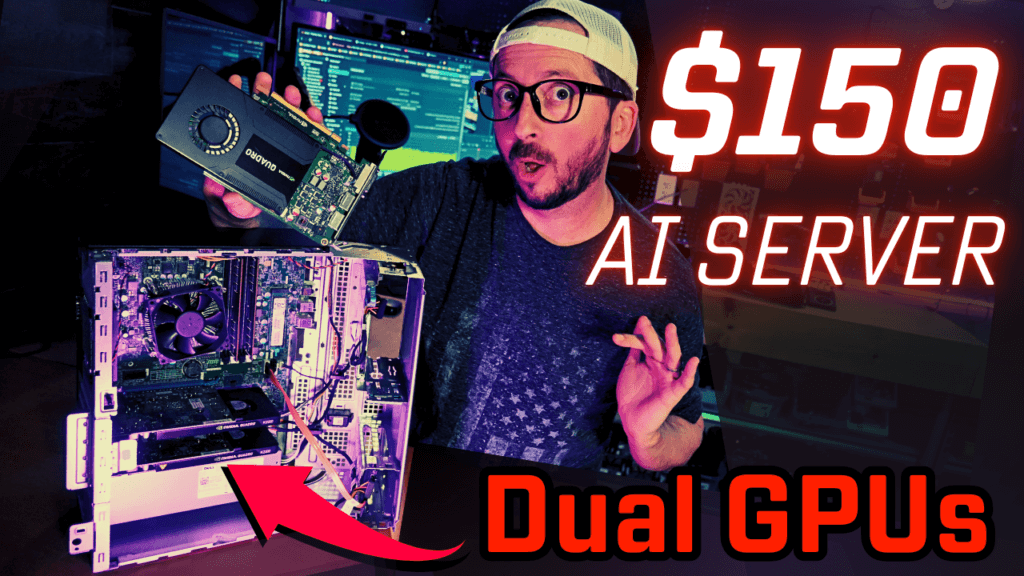




The Dell 7050 Mid Tower is the cheapest dedicated way to get started in both homelab and locally hosted Ai that I can put together that is running off a very common system. It is also very decent in overall wattage efficiency. Based off the Dell Mid Tower 7050 and either 2x bus powered GPUs Nvidia M2000 4GB gpus or a single Nvidia Tesla P4 GPU with cooling fan. It provides an effective way to carve up resources if you run multiple small LLMs or other services on the same machine by using LXC and or Docker for your GPU intensive workloads.
Dell 7050 Ai Server SPECS
PRICE CATEGORY: $150
VRAM: 8
PRICE/GB/VRAM: $20.63
SETUP REVIEW VIDEO: https://youtu.be/VV30CMHc-kY
GPU ALTERNATIVES: A Single Tesla P4 is a great cheap option also but does require an additional cooling shroud and fan. One P4 comes out around the price of 2 M2000’s. The temps are very stable once you have that provided but will instantly thermally throttle without the forced air cooling. The shroud and fan is usually a $25 addition.
Review Video
$150 Ai Server Tips and Tricks
Local LLM Performance Benchmarks
Mini-CPM Vision 8B – Q4 – 8192 ctx
Dell Optiplex 7050 (4.5 t/s, CPU only) https://geni.us/OptiPlex7050MT
Quadro M2000 4GB (11 t/s, better option) https://geni.us/Quadro_M2000
Quadro K2200 4GB (7 t/s, get M2000 instead)
Quadro P2000 5GB (20 t/s, or follow the 350 build👇) https://geni.us/Quadro_P2000
Tesla P4 8GB ( 28 t/s, needs extra cooling fan and shroud https://geni.us/TeslaP4